How I shipped Tabito in a weekend
Two extensions I always ran together, tab dedupe plus meeting-tab, each wanted full tab access. So I merged them into one minimal build and added the “jump to Meet” hotkey I always wanted. That became Tabito.
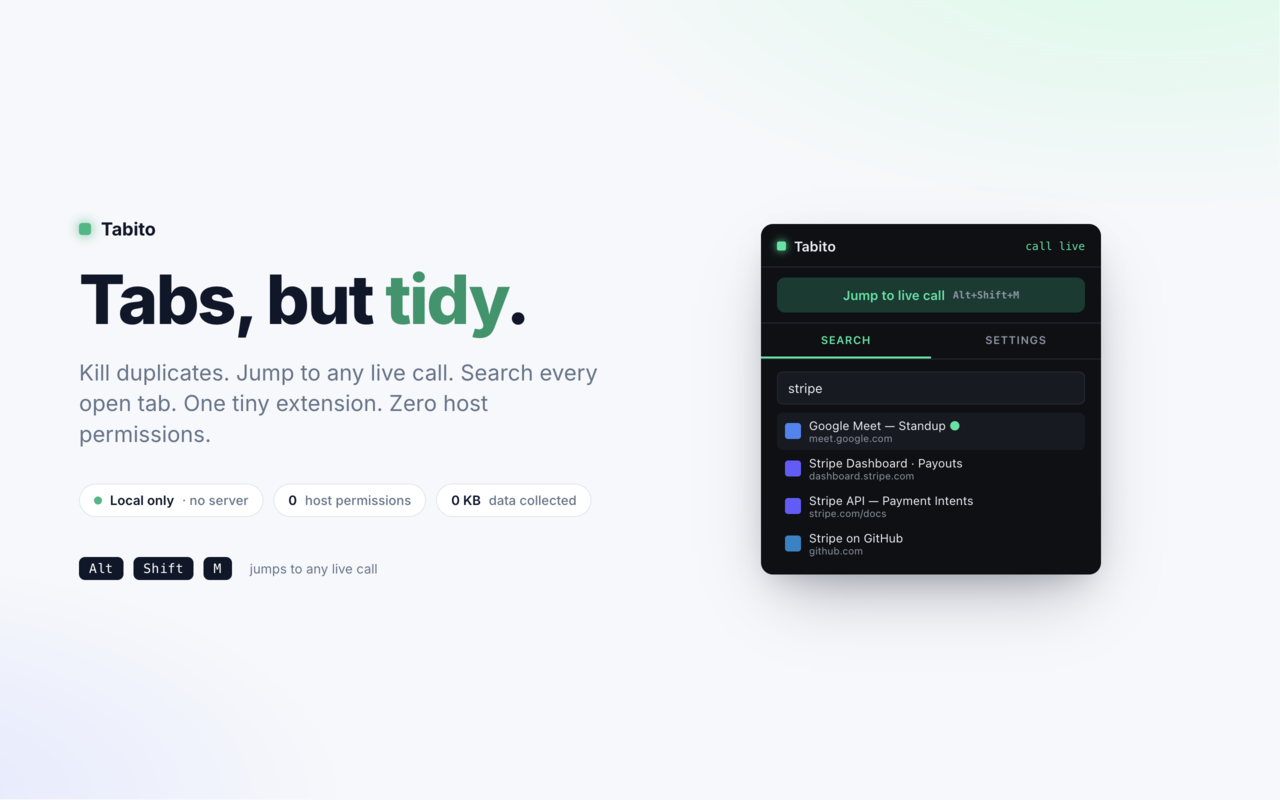
What Tabito does
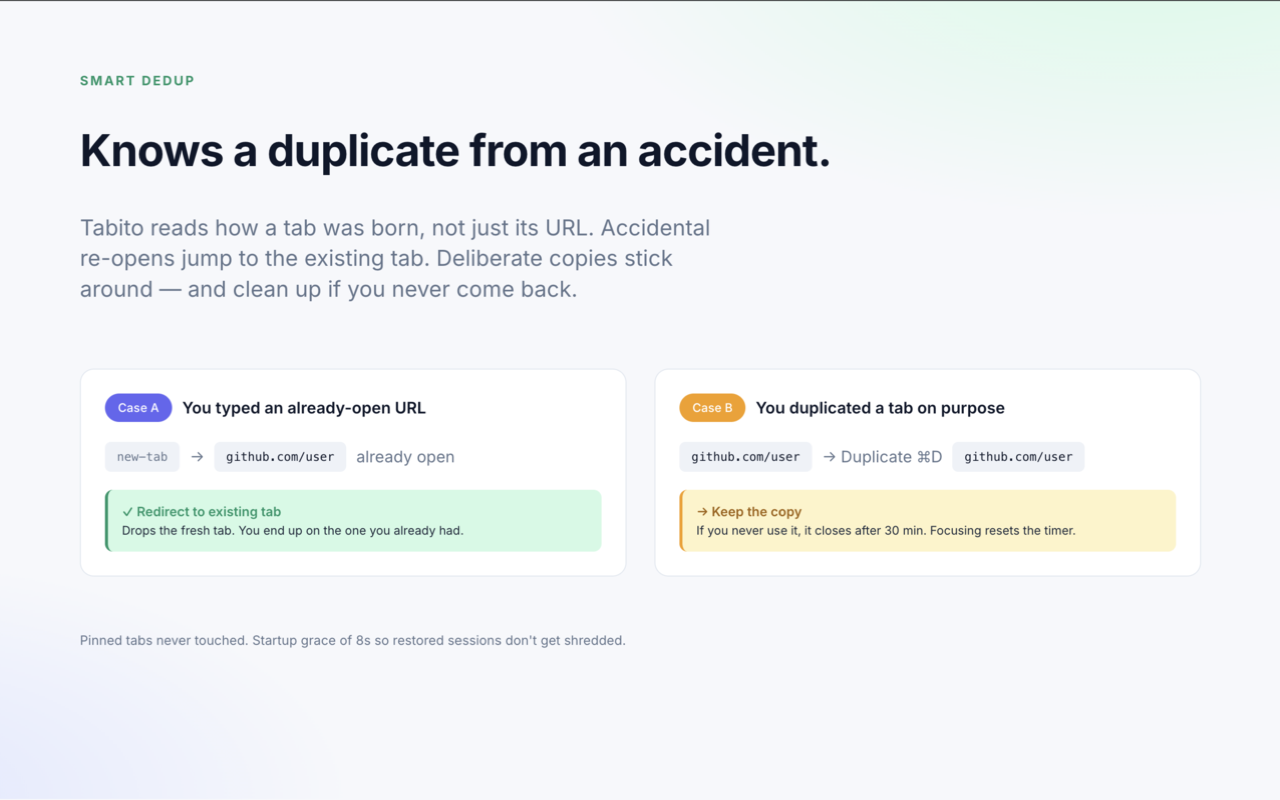
Duplicate handling that knows intent. A tab you deliberately duplicate is kept and self-closes if unused. An accidental re-open jumps you to the existing tab. The trick is reading how a tab was born, not just its URL.
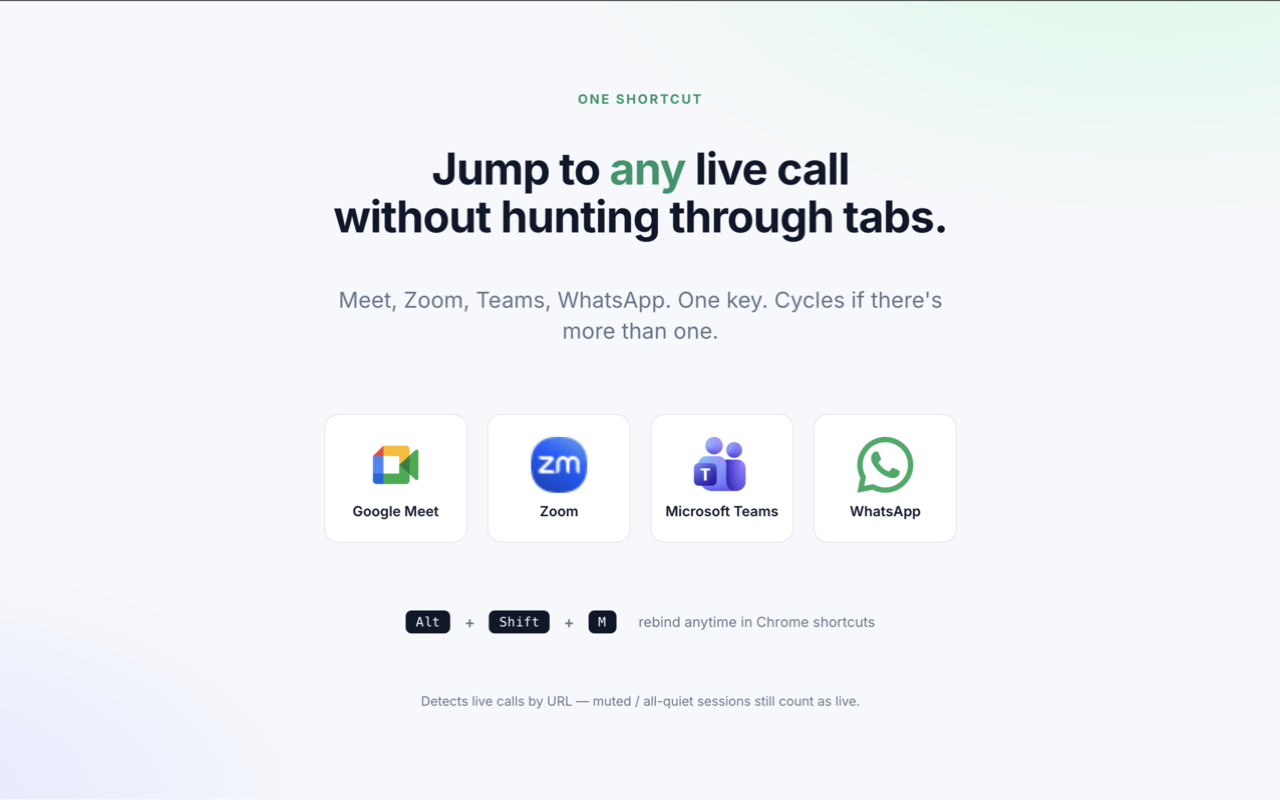
One shortcut to any live call. Alt+Shift+M focuses an open Meet, Zoom, Teams, or WhatsApp call from anywhere, and cycles if there is more than one.
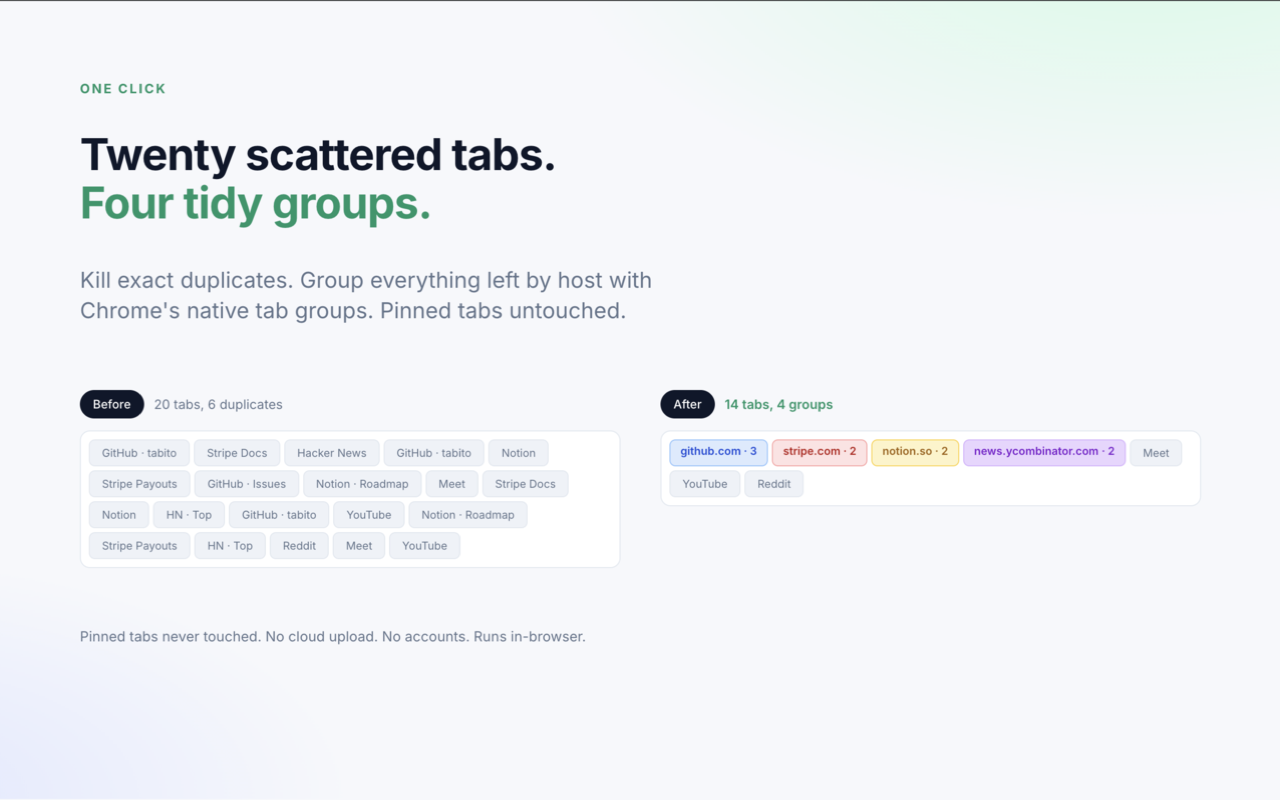
One-click cleanup. Kill exact duplicates and group everything left by host into native Chrome tab groups. Pinned tabs stay untouched.
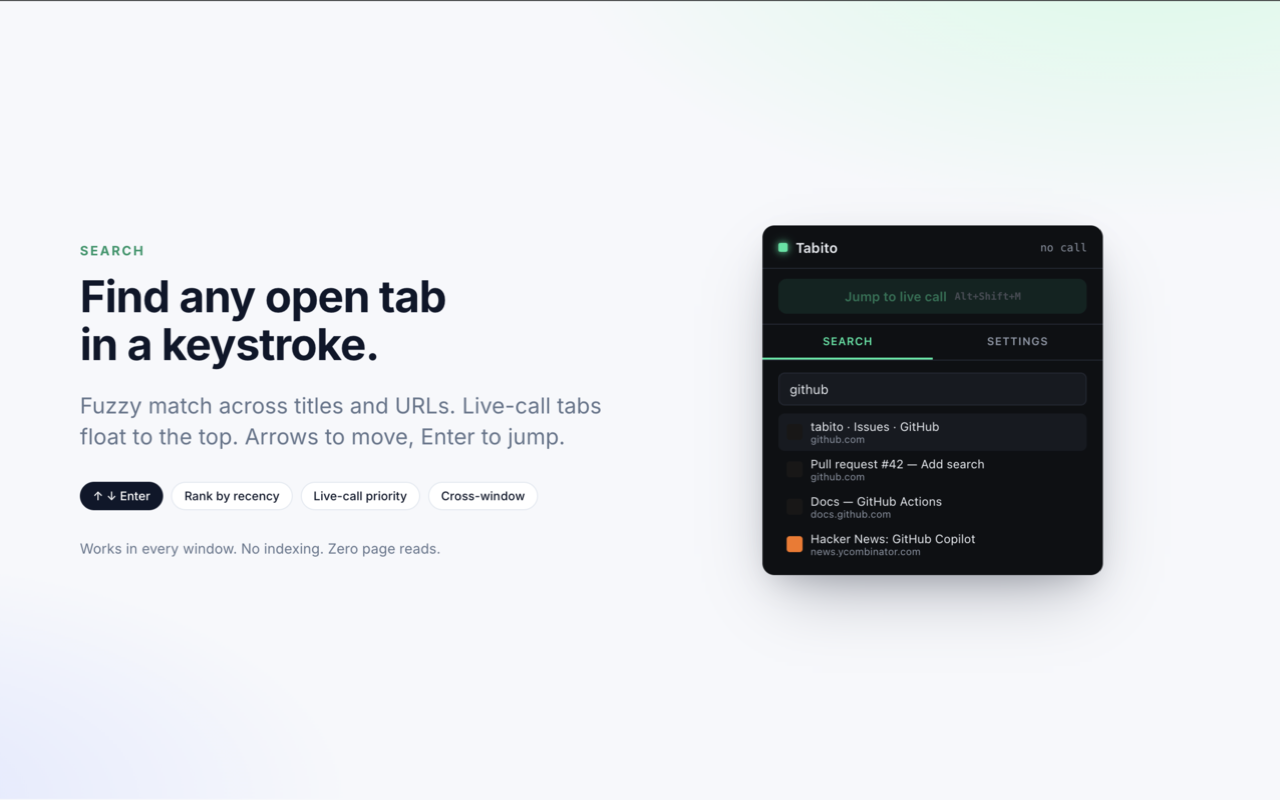
Search every open tab in a keystroke. Fuzzy match across titles and URLs, live-call tabs float to the top, arrows to move and Enter to jump.
What worked
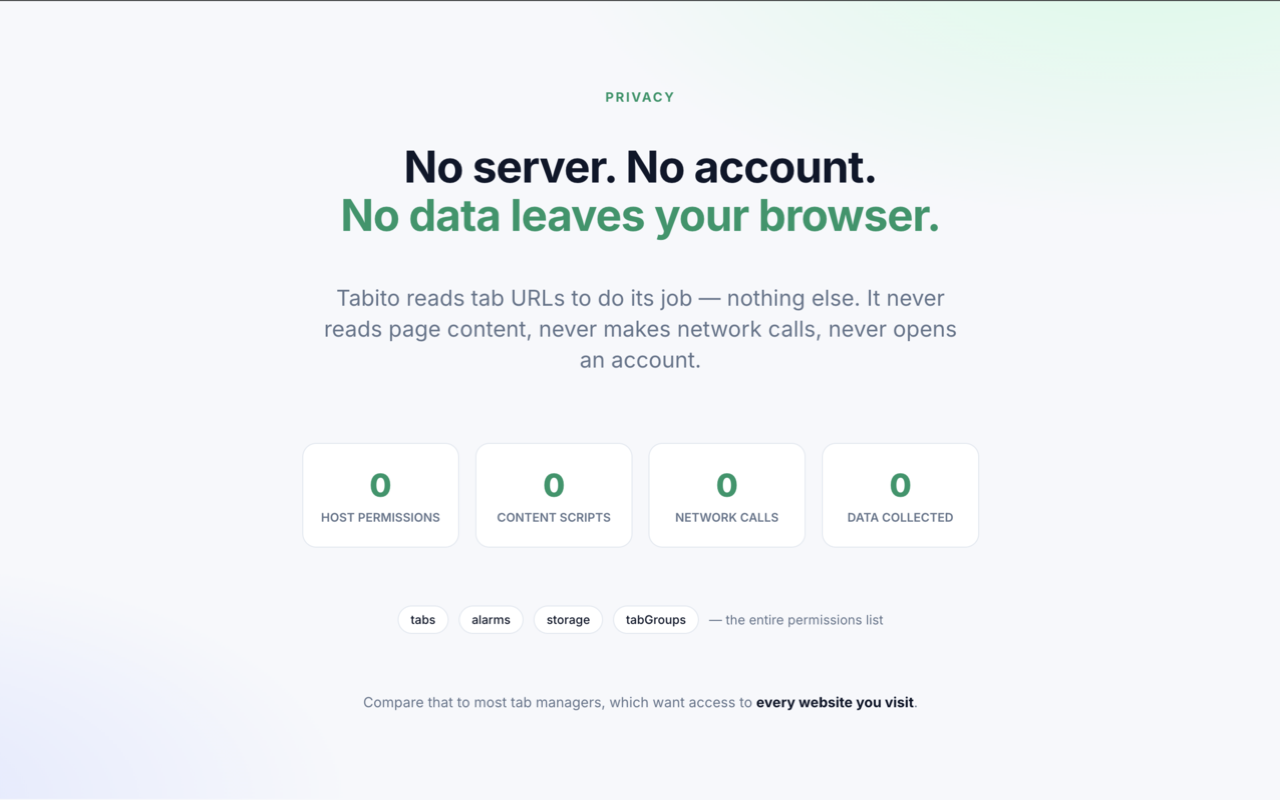
- Four permissions total:
tabs,alarms,storage,tabGroups. No host permissions, no content scripts, no page reads. - Intent detection off the tab’s origin state, not page content. A tab that reaches a URL after starting as the new-tab page is a redirect. A tab born on a URL is a deliberate copy.
- An 8-second startup grace so restored tabs on browser open are never touched.
What I’d change
Meet call-end detection watches URL changes. Reliable when Meet redirects post-call, silent when it does not. A single-origin content script would fix it at the cost of one host permission. Deliberate trade-off, may revisit.
Try it
Tabito is live on the Chrome Web Store. Install it, open a Google Meet, and hit Alt+Shift+M from any tab to jump straight to the call.